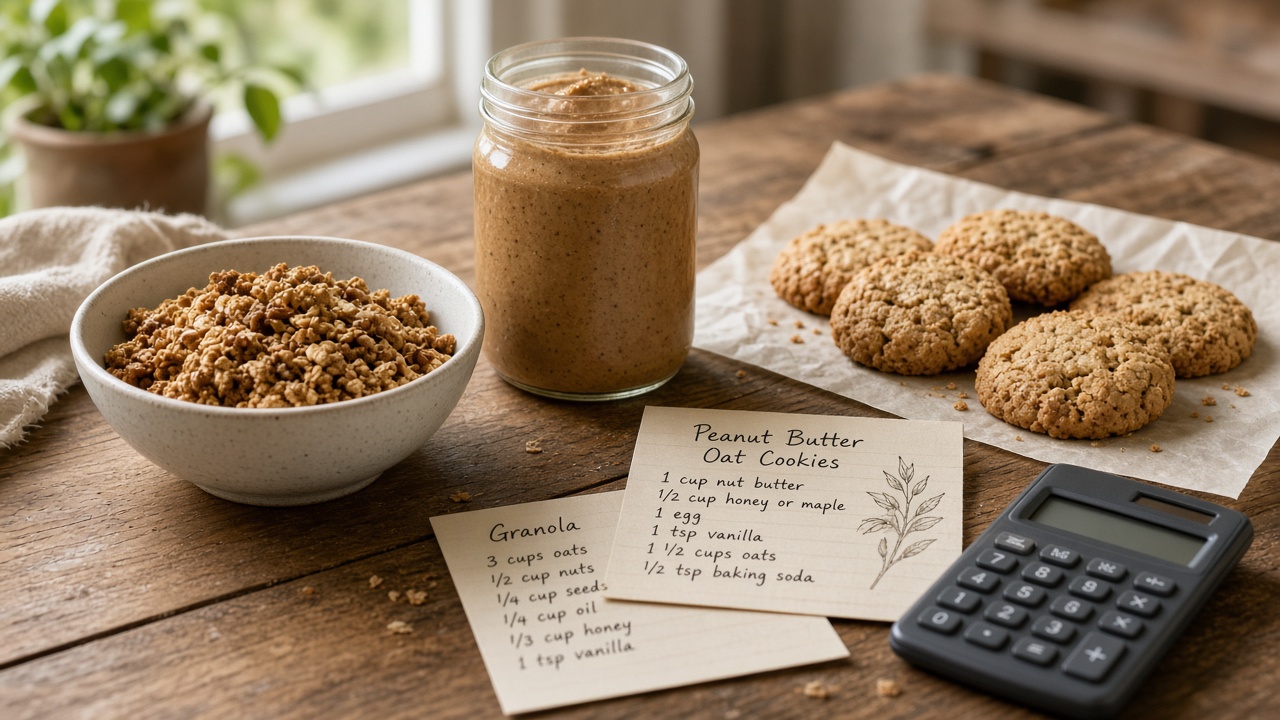
If you sell homemade jam, granola, hot sauce, baked goods, or any other small-batch food product, a professional-looking Nutrition Facts label does two things at once: it satisfies label requirements once you're selling beyond your state's cottage food exemption, and it makes your product look as legitimate as anything on a store shelf. This guide walks through the whole process, from figuring out your numbers to downloading a print-ready label.
Do you actually need a Nutrition Facts label?
Most U.S. states have cottage food lawsthat let you sell certain homemade, non-hazardous foods (think jams, baked goods, dry mixes) directly to consumers — at farmers markets, online within your state, or from your home — without full FDA nutrition labeling. Cottage food rules vary a lot by state: some cap your annual revenue, some restrict which foods qualify, and most still require a basic label with your business name, address, and an allergen statement even if a full Nutrition Facts panel isn't required.
You're generally required to have a standard, FDA-format Nutrition Facts label once you:
- Sell through a retail store, distributor, or third-party marketplace that ships across state lines
- Make a specific nutrient content claim (“low sugar,” “high protein,” etc.)
- Exceed your state's cottage food revenue or sales-channel limits
- Simply want your product to look and feel like a retail-ready item, even if not strictly required
Because cottage food rules are state-specific and change over time, check your own state department of agriculture or health for the current rules before relying on an exemption. When you do need (or just want) a proper label, the rest of this guide covers exactly how to build one.
What's on a Nutrition Facts label
Every standard label includes the same core pieces of information:
- Servings per container and serving size
- Calories per serving
- Macronutrients — total fat, saturated fat, trans fat, cholesterol, sodium, total carbohydrate, dietary fiber, total and added sugars, protein
- Micronutrients — Vitamin D, calcium, iron, and potassium, each with a % Daily Value
- An ingredient list in descending order by weight
- An allergen statement for any of the 9 major food allergens
- The name and address of the manufacturer, packer, or distributor
The next few sections walk through how to work out each of these for a homemade recipe, then how to lay it all out using the Nutrition Facts Label Maker.
Step 1: Work out your recipe's total nutrition
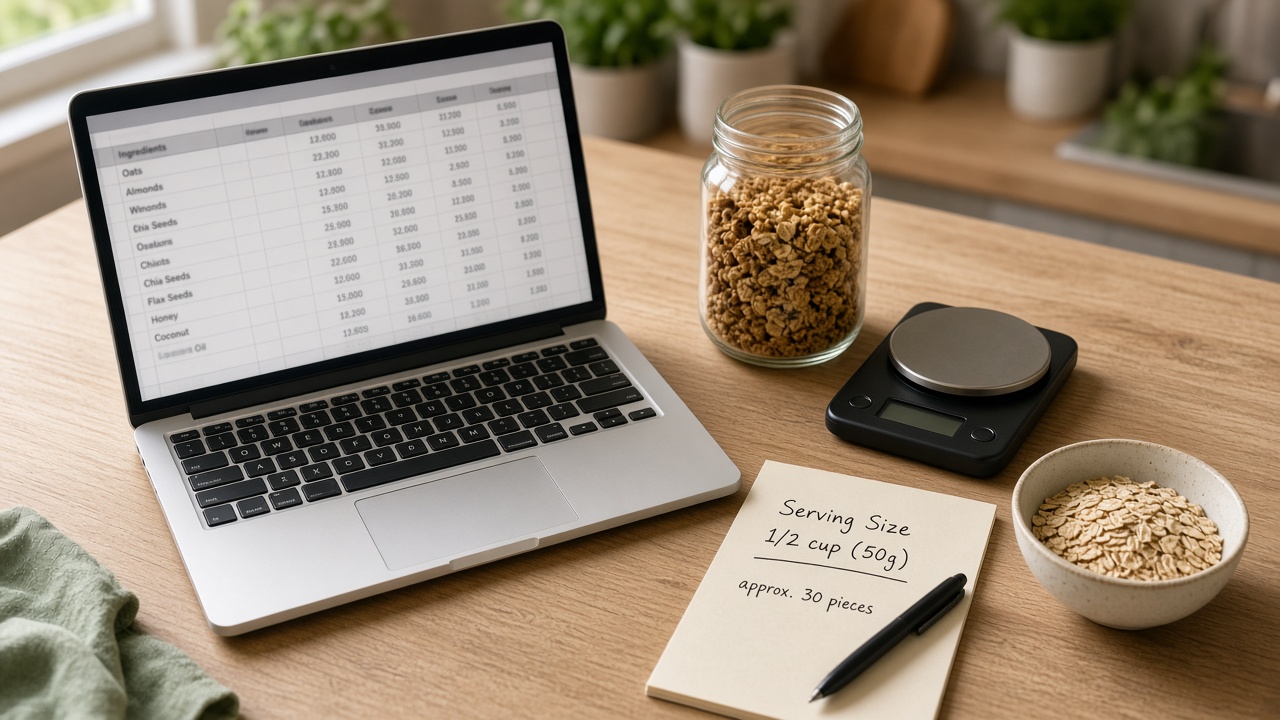
Everything on the label starts from the total nutrition of your whole batch. There are three common ways to get there, in increasing order of rigor:
Add up packaged-ingredient labels
For each ingredient that already has a Nutrition Facts label (flour, sugar, butter, canned goods), multiply its per-serving values by how many of those servings you used, then add everything together across the whole recipe. This works well for simple recipes with mostly packaged ingredients.
Use a nutrition database for raw ingredients
For fresh produce, meat, and other unlabeled ingredients, the USDA's free FoodData Central database has nutrition data per gram or per common measure for thousands of foods — use it the same way, scaling each ingredient to the amount your recipe actually uses.
Get a lab or professional analysis
If you're selling at any real volume, calculating by hand introduces rounding and ingredient-variance error that can matter for compliance. A registered dietitian or an accredited food-testing lab can run a lab-verified analysis of your exact recipe — this is the most defensible option if you're making nutrient content claims or selling through retail. Read more about nutrition analysis.
Step 2: Set your serving size
Serving size isn't how much you think someone should eat — the FDA defines standardized Reference Amounts Customarily Consumed (RACC) for different food categories, and your serving size has to be based on the closest matching category, expressed in a common household measure (cup, piece, tablespoon) alongside the metric weight.
Once you know your serving size, divide your total batch weight (or volume) by the serving size to get your servings per container— this is the number that appears at the very top of the label (“8 servings per container”).
Step 3: Calculate per-serving values
Divide your recipe's total nutrition (from Step 1) by the number of servings per container (from Step 2) to get the per-serving amount for calories, each macronutrient, and each micronutrient. The FDA has specific rounding rules for each nutrient — for example, calories round to the nearest 5 calories below 50 and the nearest 10 above 50, while sodium rounds to the nearest 5 mg below 140 mg. If you're not confident on rounding, a nutrition analysis service will apply these rules for you.
For each nutrient with a Daily Value, calculate the %DV as (amount ÷ daily value reference) × 100, then round to the nearest whole percent.
Step 4: Pick the right label format
Which layout you use depends mostly on your packaging size and how many nutrients your product actually contains in meaningful amounts:
- Most products: use the Standard Vertical format — it's the layout people recognize from grocery store packaging.
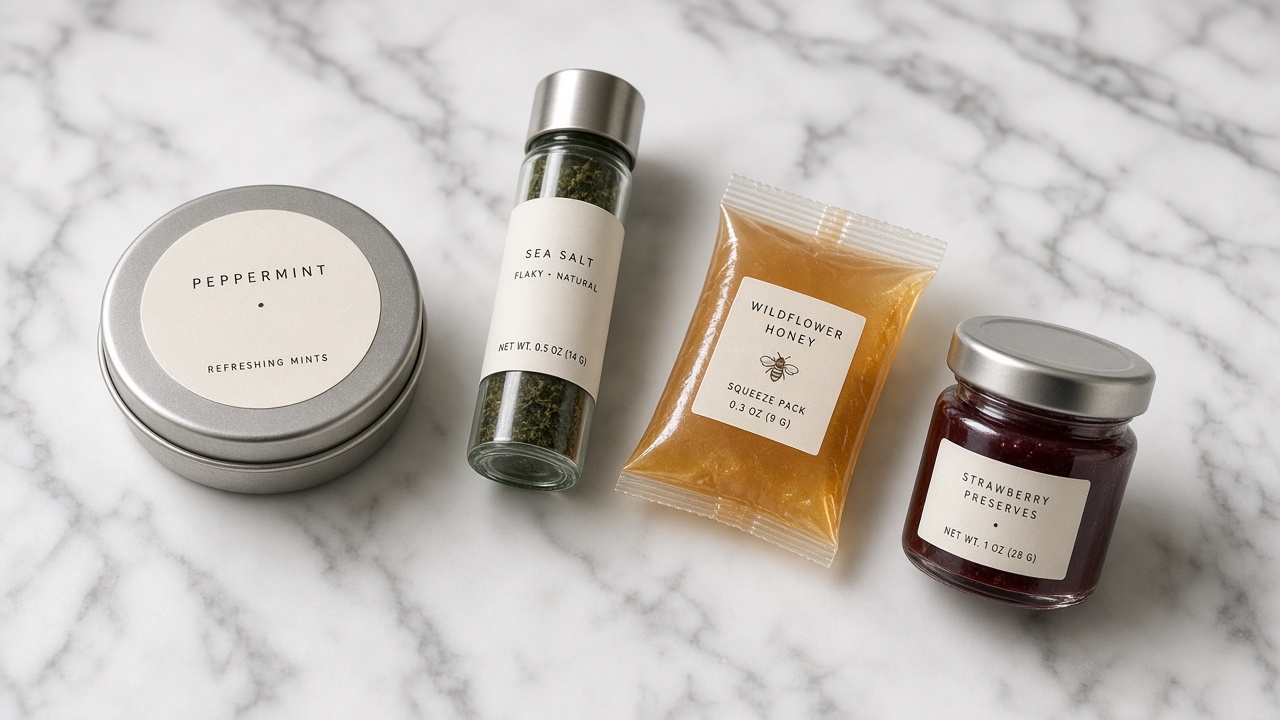
- Foods low in most nutrients (plain honey, spices, some candies): the Simplified Display format omits nutrients present in insignificant amounts.
- Small packages (single-serving cookies, small jars, spice packets) with little label space: use the Linear Display or a Tabular layout instead.
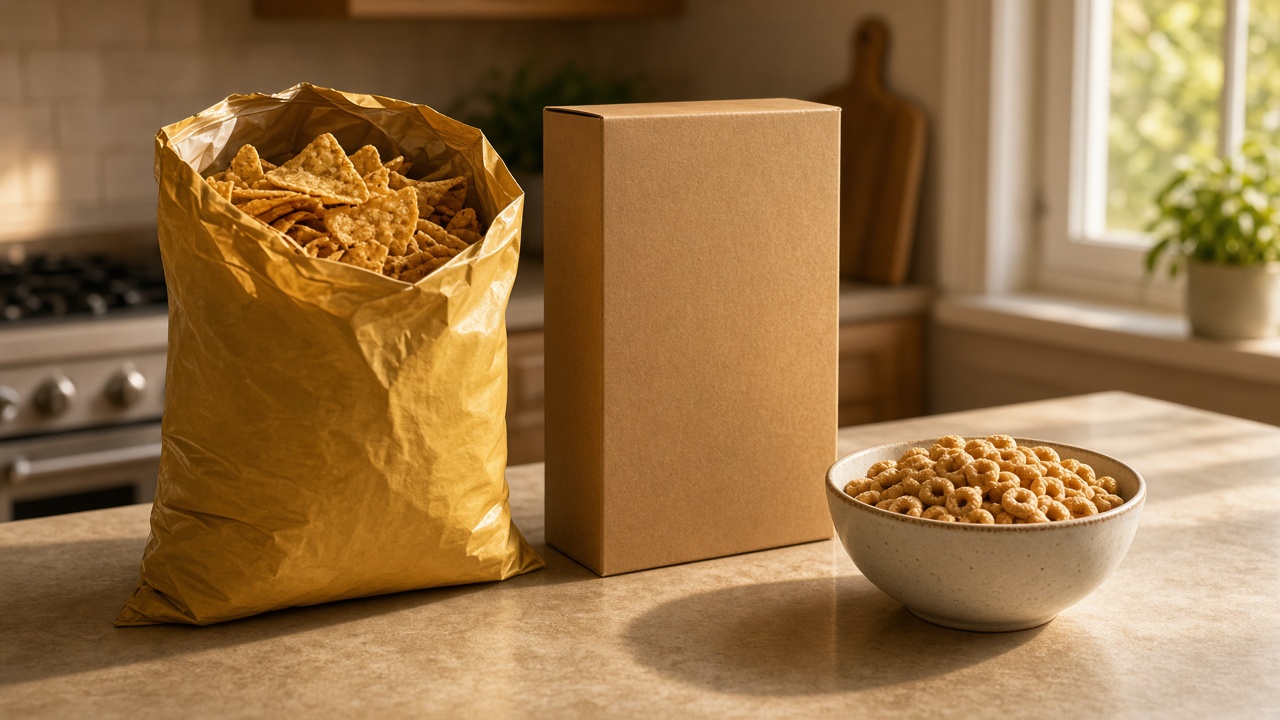
- Multi-serving containers likely to be eaten in one sitting (a bag of granola, a batch of cookies): consider a dual-column label showing values per serving and per container.
See the full label format catalog for infant, children's, bilingual, and variety-pack formats too.
Step 5: Write your ingredient list
List every ingredient in descending order by weight — the ingredient you use the most of goes first. If an ingredient is itself made of multiple components (like a pre-made sauce or spice blend), list its sub-ingredients in parentheses or brackets right after it. Every generator page on this site has an ingredient list field that formats this correctly on the label.
Step 6: Declare allergens
U.S. law requires you to clearly declare any of the 9 major food allergensyour product contains: milk, eggs, fish, shellfish, tree nuts, peanuts, wheat, soybeans, and sesame. The easiest way is a “Contains:” statement right after your ingredient list (e.g., “Contains: Wheat, Milk, Tree Nuts”) — every label on this site has a dedicated field for exactly this.
Step 7: Add your business info
Labels must list the name and address of the manufacturer, packer, or distributor — for a homemade product, that's usually just your business name and the address your cottage food license or business registration is tied to.
Step 8: Generate and download your label
Once you have your numbers, pick a format from the label selection page, fill in the form with a live preview as you go, and download a high-resolution PDF ready to send to a label printer or attach directly to your packaging.
Start Building Your LabelCommon mistakes to avoid
- Guessing at serving size instead of using the FDA's reference amounts for your food category
- Forgetting that added sugars must be listed separately from total sugars
- Leaving off an allergen because it's only in a sub-ingredient (like soy lecithin in chocolate)
- Using a napkin-math nutrition estimate for a product you're scaling into retail — get it verified before you commit to packaging
- Picking the Standard Vertical format for a package too small to fit it — use Linear or Tabular instead
FAQ
Do farmers market vendors need a Nutrition Facts label?
Usually not, if you're selling under your state's cottage food exemption and not making nutrient content claims — but a basic label with your business name, address, ingredients, and allergens is still typically required. Check your state's specific cottage food rules.
Can I use this tool to calculate my nutrition data?
No — this is a label layout tool: you provide the nutrition numbers (from ingredient labels, a database like USDA FoodData Central, or a professional analysis) and it formats them into an FDA-style label with a live preview. See the nutrition analysis page for how to get those numbers.
Is the label I generate here legally compliant?
The layouts follow the FDA's 2016 Nutrition Facts label rules, but this tool doesn't verify the nutrition data you enter. You're responsible for confirming your numbers and label are accurate and compliant before using it commercially — see the disclaimer for details.
What format should I use for a jar of jam or hot sauce?
A standard 8–16 oz jar usually has room for the Standard Vertical format. For smaller jars or single-serving packets, switch to Linear Display.
Reference: FDA, Changes to the Nutrition Facts Label. This article is general information, not legal advice — check your state's cottage food and labeling laws directly.